How to blur the background of a photo in Canva
Canva has two tools for a blurred background: a brush you paint with, and Auto Focus. Here is where they are now and how to keep the result natural.
You do not need to be a designer to make something that looks designed. These guides stick to the handful of moves that do most of the work.
Canva has two tools for a blurred background: a brush you paint with, and Auto Focus. Here is where they are now and how to keep the result natural.
Canva lists dozens of shortcuts and few are worth memorising. These 15, grouped by when you use them, are all on Canva’s own list and cut the clicking.
CapCut has a background remover built into its mobile app. Here are the two routes CapCut describes, how to refine edges and how to check your export.
Which route to use depends on your plan and your photo. Steps for setting a background colour in Canva, the free options, and the white-background rule.
The curve slider, how to get text running along the bottom of a circle the right way up, and the spacing settings that stop curved letters colliding.
Photopea, GIMP, Krita, Paint.NET and Pixlr compared on the one job most people need: cutting a subject out of a photo without a subscription.

How to build a panoramic carousel as one wide canvas and slice it, with Canva’s size limits worked out so the slide count you want fits.
Where Canva BG Remover is, which plan it needs, how to repair edges it gets wrong, and the limits on removing backgrounds from a whole folder at once.
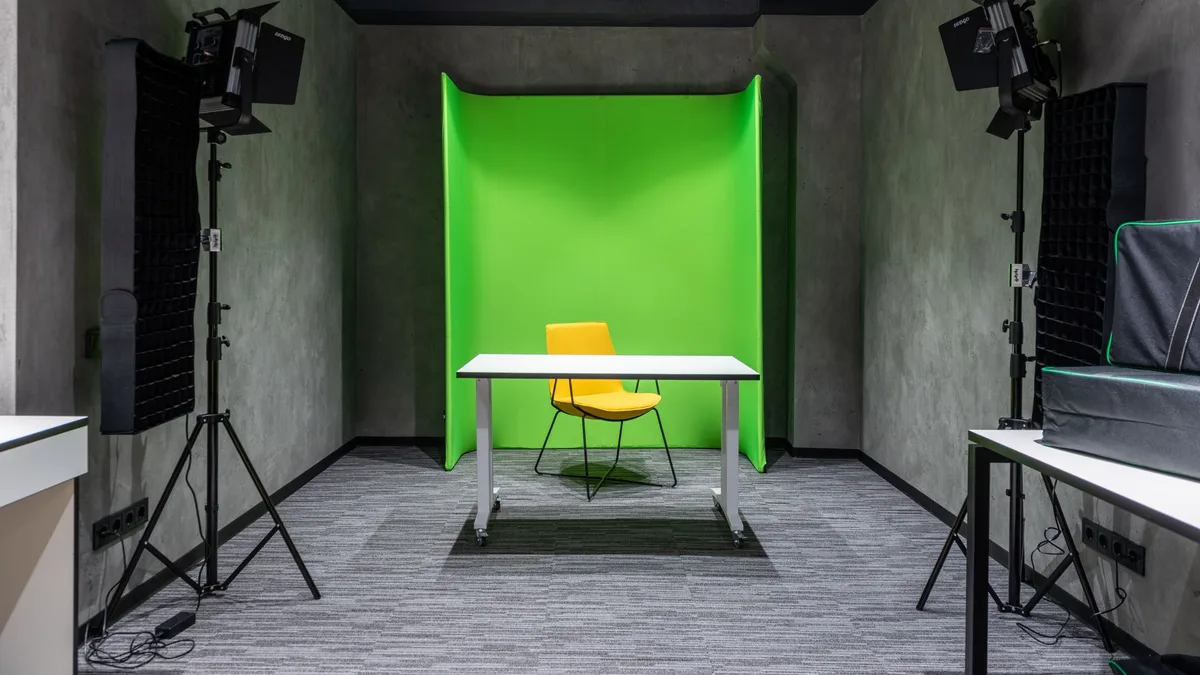
Auto removal versus chroma key in CapCut desktop: which to use, how the controls work, and why you should test the export before a long edit.
Four ways to put readable text over a photo in Canva: transparency, a scrim, a text shadow and picture-filled letters, and how to choose between them.
File types, resolutions, sizes and compression: how to get an image into the exact format a platform wants without wrecking the quality.