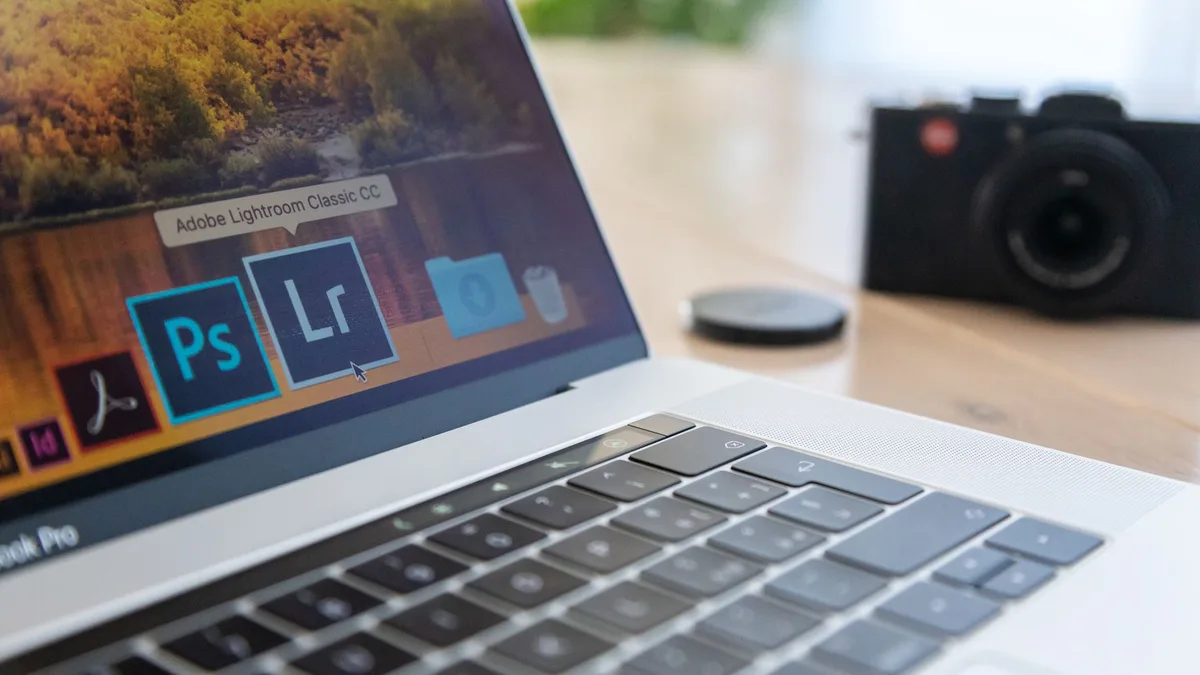
Image Formatting & Compression
File types, resolutions, sizes and compression: how to get an image into the exact format a platform wants without wrecking the quality.
Which format to export. How many pixels wide. How far you can compress before it starts to look cheap. SnapCutout answers the boring questions that stand between your file and the upload button, in plain English, with free tools.
Resize, rename and compress a whole folder at once on Windows, macOS or the command line, with no uploads and no paid software.
Read the guideEach one is a working shelf, not a blog tag. They fill up in order, so what is live is finished rather than half-written.
File types, resolutions, sizes and compression: how to get an image into the exact format a platform wants without wrecking the quality.
Fast, jargon-free tutorials for Canva and other beginner-friendly design tools, covering the shortcuts and workarounds that save real time.

Honest comparisons of AI image tools for background removal, upscaling, restoration and generation, with clear free-versus-paid breakdowns.
In preparation
Platform-by-platform photo requirements and techniques for Amazon, Etsy, Shopify and eBay sellers who need listings that convert.
In preparation
Canva has two tools for a blurred background: a brush you paint with, and Auto Focus. Here is where they are now and how to keep the result natural.
Canva lists dozens of shortcuts and few are worth memorising. These 15, grouped by when you use them, are all on Canva’s own list and cut the clicking.
CapCut has a background remover built into its mobile app. Here are the two routes CapCut describes, how to refine edges and how to check your export.
Which route to use depends on your plan and your photo. Steps for setting a background colour in Canva, the free options, and the white-background rule.
The curve slider, how to get text running along the bottom of a circle the right way up, and the spacing settings that stop curved letters colliding.
Photopea, GIMP, Krita, Paint.NET and Pixlr compared on the one job most people need: cutting a subject out of a photo without a subscription.
There is a lot of image advice online written by people who have never had a listing rejected at 11pm. These are the rules that keep this site useful rather than padded.
Still to come: AI Tools, E-commerce.
If a platform wants 2000 px on the long edge, that is the first line, not the fourteenth paragraph. Every guide opens with the answer and explains afterwards.
Steps are written for software you already have or can use in a browser. Paid tools appear only when nothing free does the job, and it is always labelled.
Compression, resizing and conversion all destroy data. Wherever a step is one-way, the guide says so in red before you take it.